Film Simulation Recipes for Canon EOS Cameras
Custom-engineered Picture Styles for Canon EOS cameras. Load a .pf3 file, shoot, and get filmic and analog-inspired JPEG results straight out of camera — no editing required.
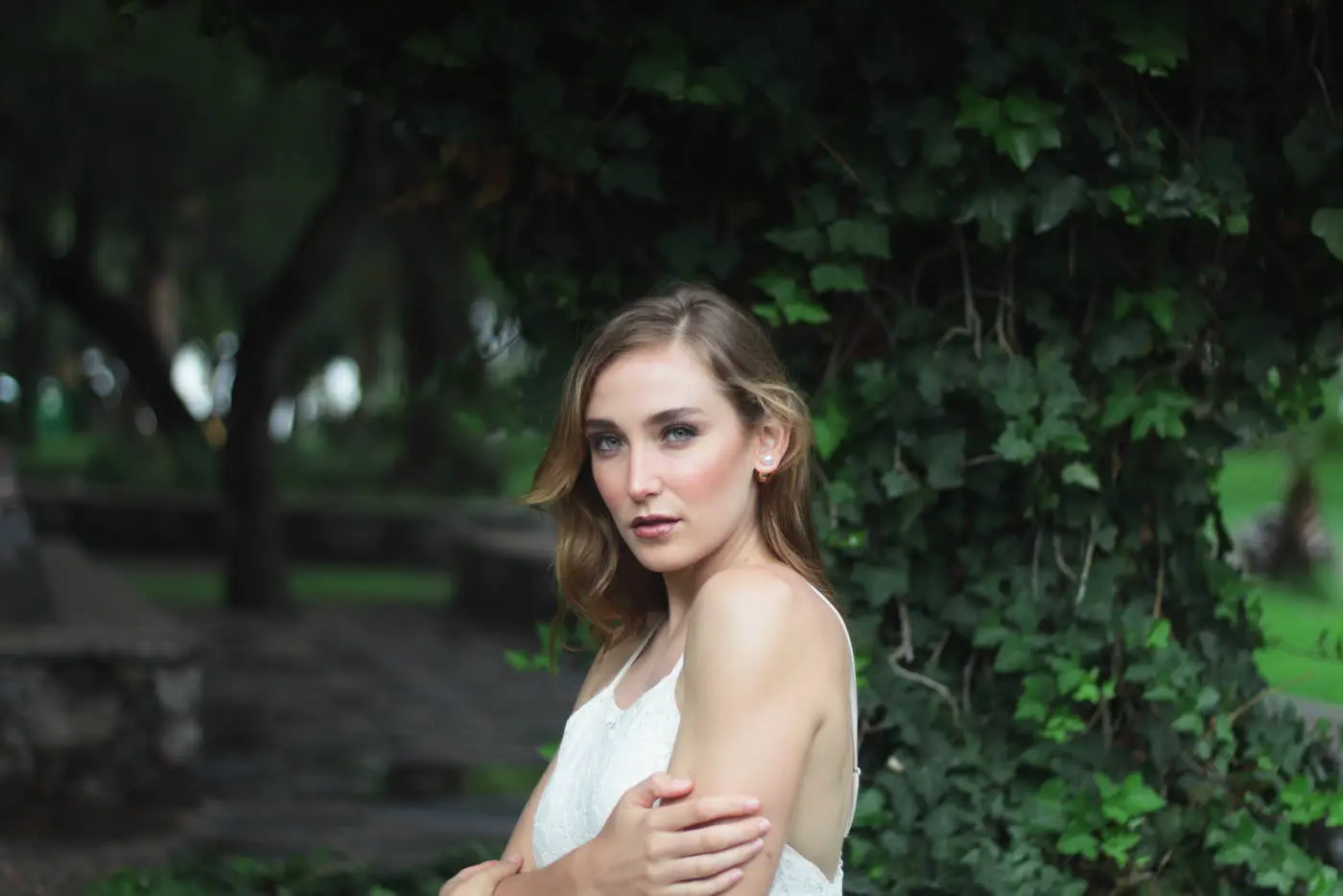
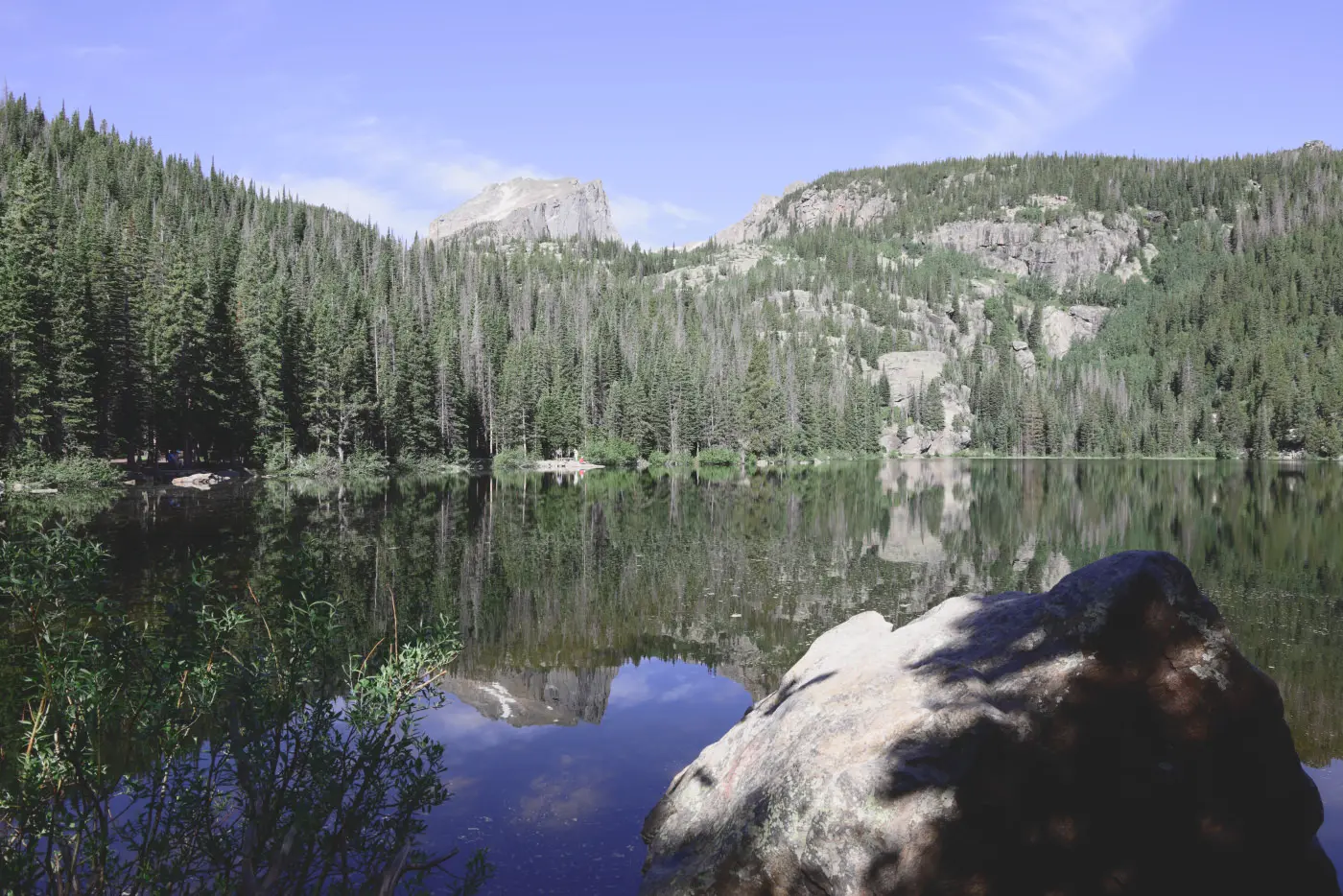
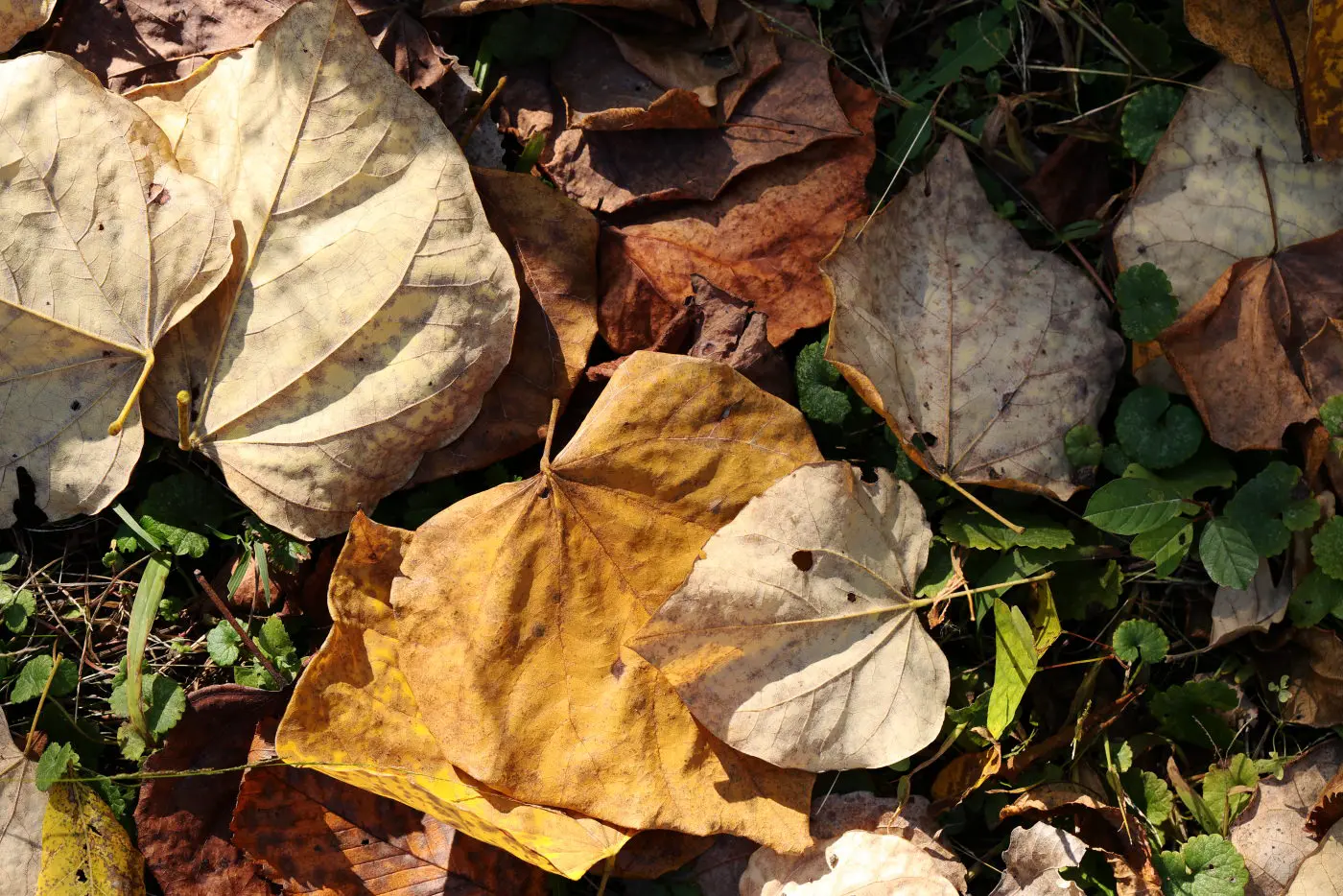
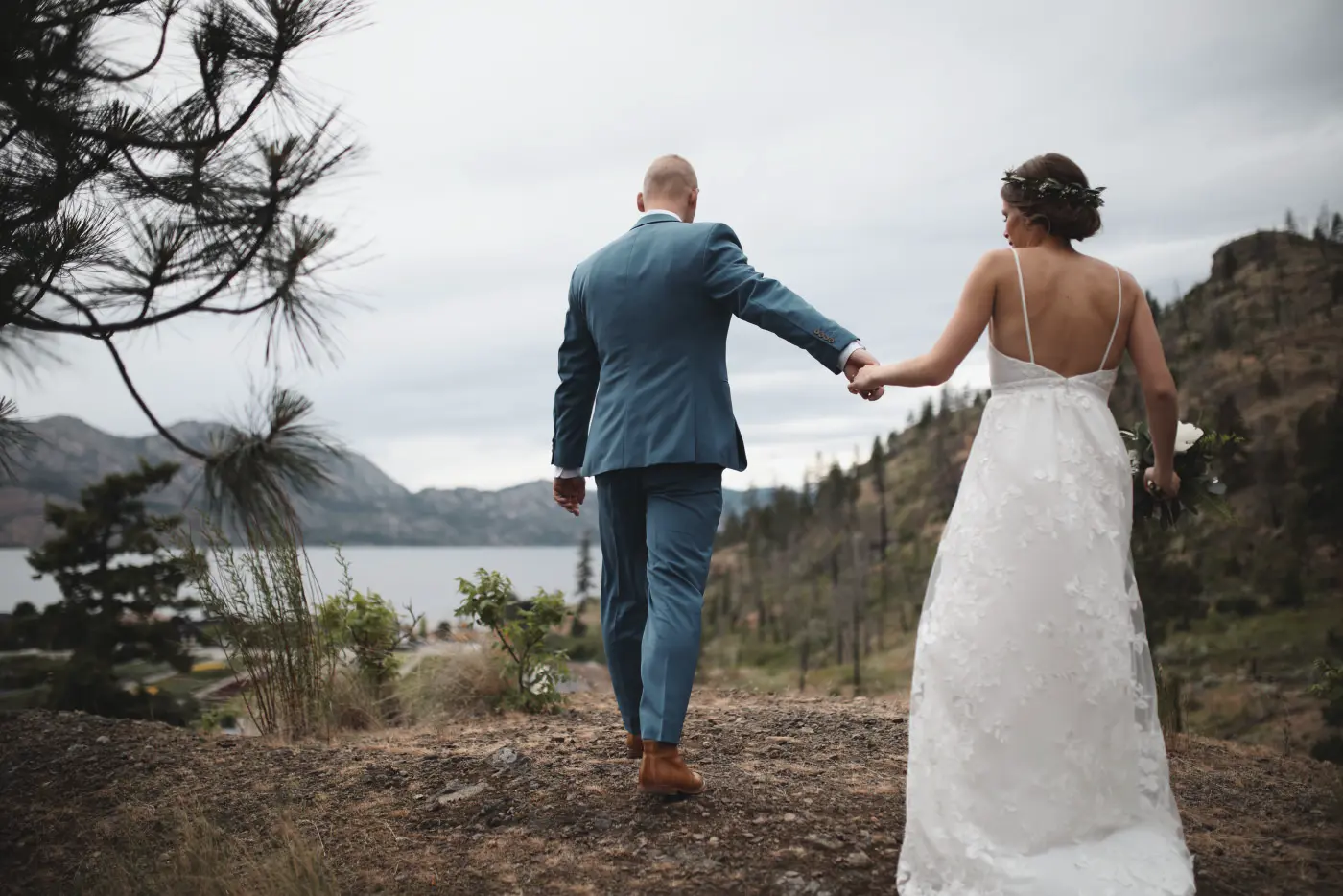
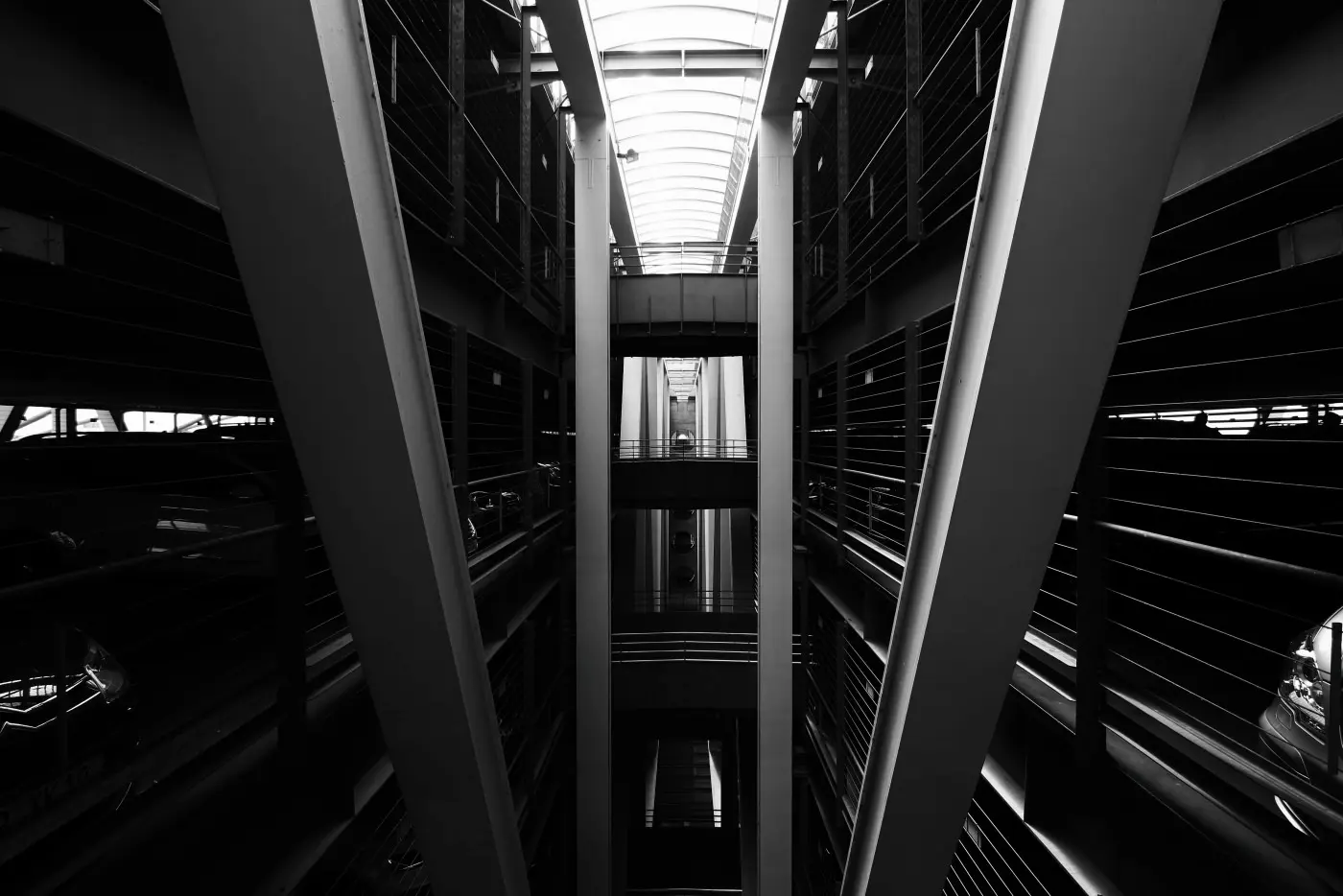
Showing Porcelain, 1 of 5
Same frame. Different film.
Pick a style, then drag the handle or focus it and use the arrow keys. Canon’s own style is on the left, the recipe on the right.
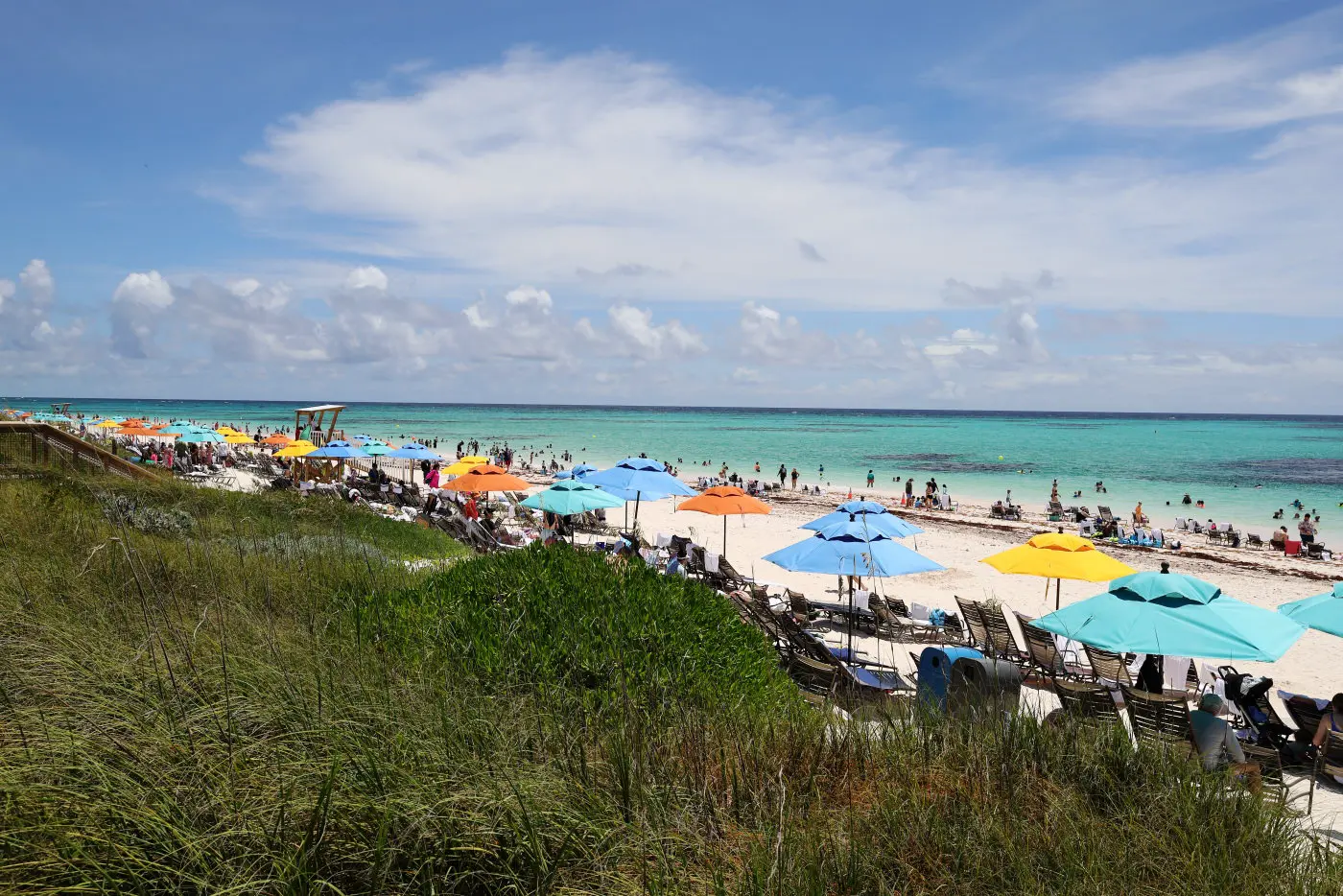
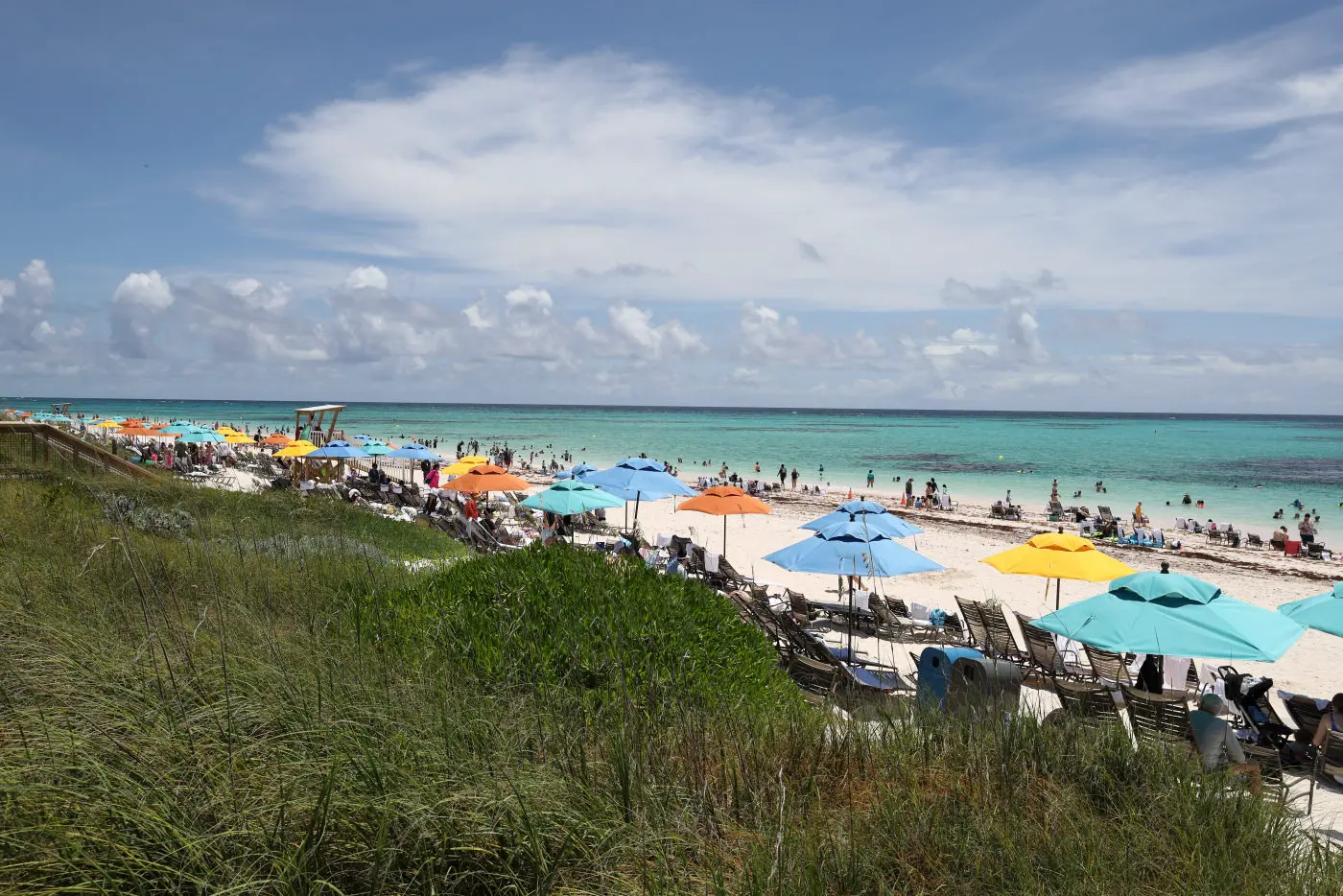 Canon StandardChroma Pop
Why use Picture Styles?
The Finished Look, Instantly
Bypass RAW processing entirely. Our .pf3 files bake custom tone curves and color science directly into your Canon JPEG — delivery-ready results straight out of camera.
Compose in Your Style
See your creative vision before you shoot. Picture Styles apply to your Live View and EVF, letting you expose for contrast, tone, and mood with confidence.
Beyond the Default Profiles
Canon’s built-in color science is a strong foundation. Our recipes expand on it with distinct filmic, analog, and stylized looks unavailable out of the box.
Simple Installation. Use Canon’s EOS Utility to load .pf3 files onto DSLR and mirrorless cameras, or Canon’s Picture Style File Registration Tool for PowerShot models.
View installation guideSupported Cameras. Compatible with virtually all Canon RF and EF-M mirrorless cameras, and most EOS DSLRs — including the R5, R6, R8, R50, and legacy bodies like the 5D Mark IV.
Check compatibility listThe collection
16 styles, from clean everyday color to soft pastels and hard black and white.
Chroma Pop
Clean, punchy, and accurate — the most universally versatile style in the collection.
Documentary
Cool, restrained, and photojournalistic — built for editorial storytelling.
Daily Chrome & Daily Chrome Filmic
Clean, versatile everyday color with a signature teal sky — crisp or softly filmic.
Slate
Soft, muted black and white with lifted, subdued tones.
Graphite
High-contrast black and white with rich, dramatic shadows.
Pastel Dream
Ethereal pastels with a soft, airy dreamlike quality.
Start Shooting Your Style
Individual styles from $8 — or get all 16 with the Master Collection.
Get All 16 Styles — $59 USDOr explore and buy individual styles